Where are my scores stored?
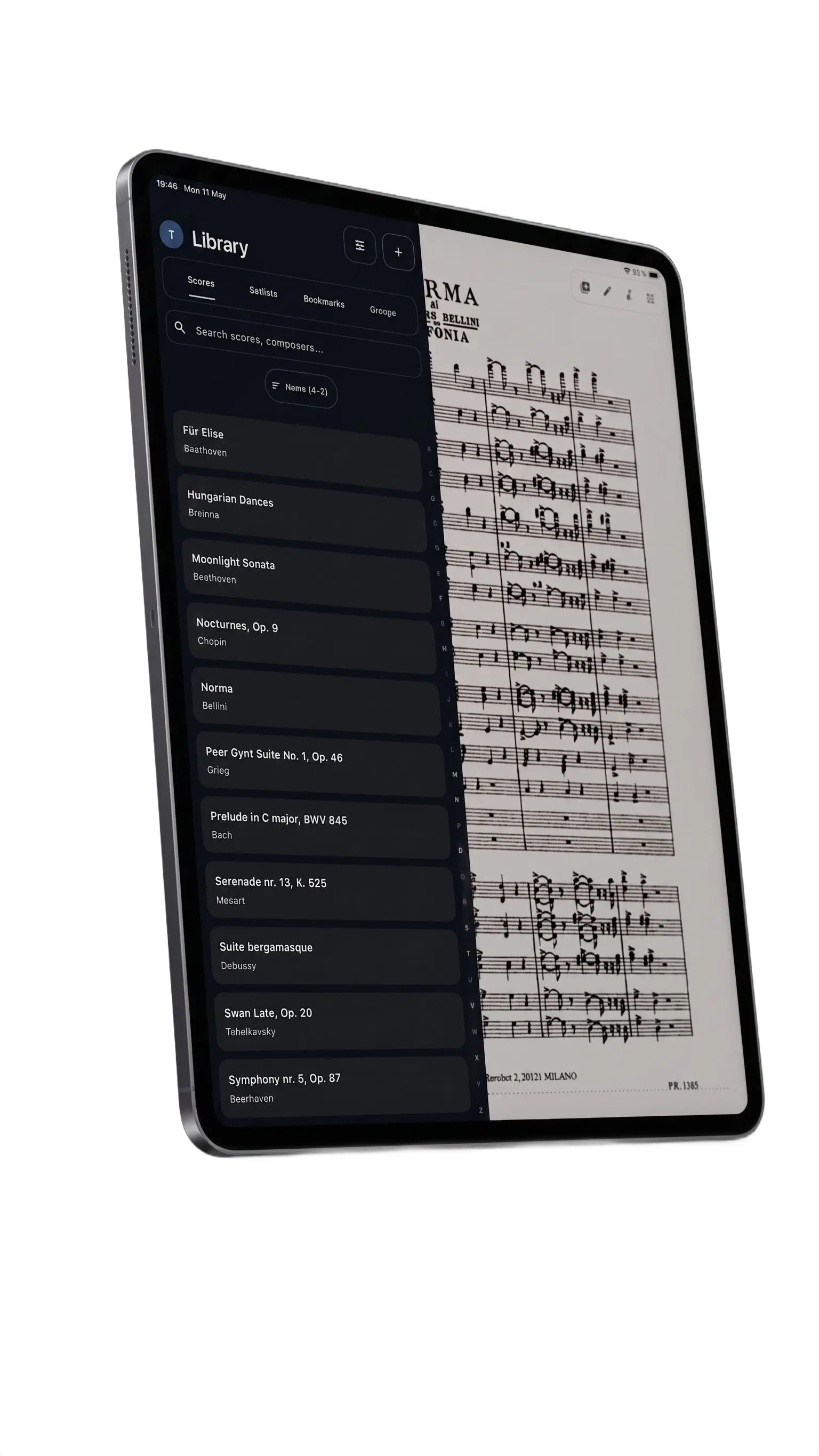
On your device by default - your library stays with you and works offline. Turn on cloud sync (Pro) and a copy is also kept in your own Google Drive or iCloud, never on our servers. The only other time anything leaves your device is an ensemble group, and even then only the parts the conductor shares are synced.
Can I sync my library across devices?
Yes - cloud library sync (Pro) keeps your whole library in your own Google Drive or iCloud, so when you open Overture on another device every score, marking, bookmark and setlist is already there. Edit on more than one device and nothing gets lost or duplicated, and because it’s your own cloud, nothing is stored on Overture’s servers.
How do annotations work?
Pick a tool, color and width from the floating toolbar, then draw directly on the page. Every stroke is undoable - Overture keeps a full annotation history for each score.
Can I import my ForScore library?
Yes - ForScore import (Pro) brings your whole library across in one shot. Setlists, tags, tempos, keys, ratings and even your jump buttons all follow you over, with no loss of quality.
What does Pro unlock?
Unlimited PDFs, scan-to-PDF, page reordering, auto-crop all, share & print, custom stamps, backup & restore, ForScore import, multi-score tabs, and the ability to create Conductor Groups.
How does Conductor Groups work?
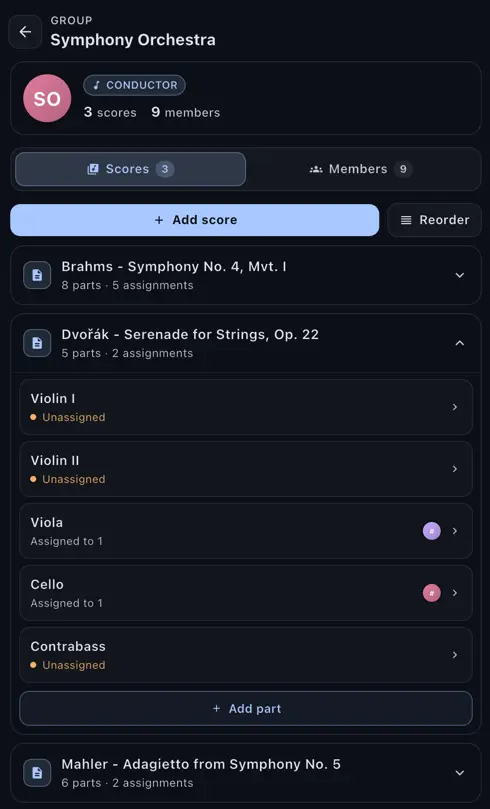
A conductor uploads the work and splits it into parts. Musicians join, get assigned to their parts, and see the conductor’s markings appear live as they’re drawn. Everything keeps working if someone briefly loses signal.
Does it sound like a real piano?
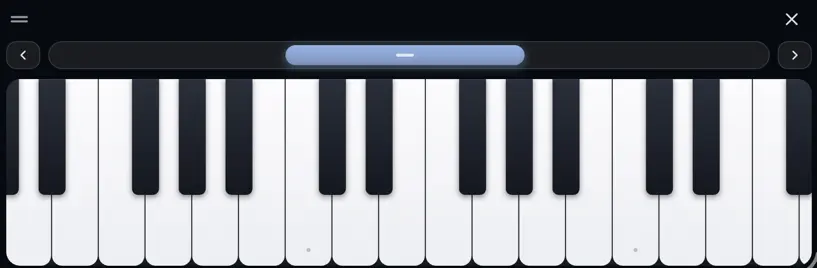
Yes - the built-in piano uses a high-quality sampled grand, not a MIDI-sound. You can play full chords with multiple fingers and use it as a melodic reference or interactive practice aid.
Can I use a page-turner pedal?
Yes. Any Bluetooth pedal that sends arrow or page-up / page-down keys will turn pages out of the box. You can also assign your own gestures - multi-finger taps and edge holds - to anything you like.
What is Performance Mode?
A distraction-free reading mode for the stage. Every menu hides away, accidental swipes are filtered out, and a short press in the center brings the controls back when you need them.